Tired of Double Data Entry Between Systems?
If your team is typing the same customer details, order information, or invoice line items into more than one system every single day, you already know the problem. Double data entry between systems is one of the most common — and most avoidable — sources of wasted staff time in growing businesses.
It usually isn't caused by laziness or poor process. It happens because two tools that both matter to the business were never built to talk to each other.
Why Double Data Entry Becomes a Problem
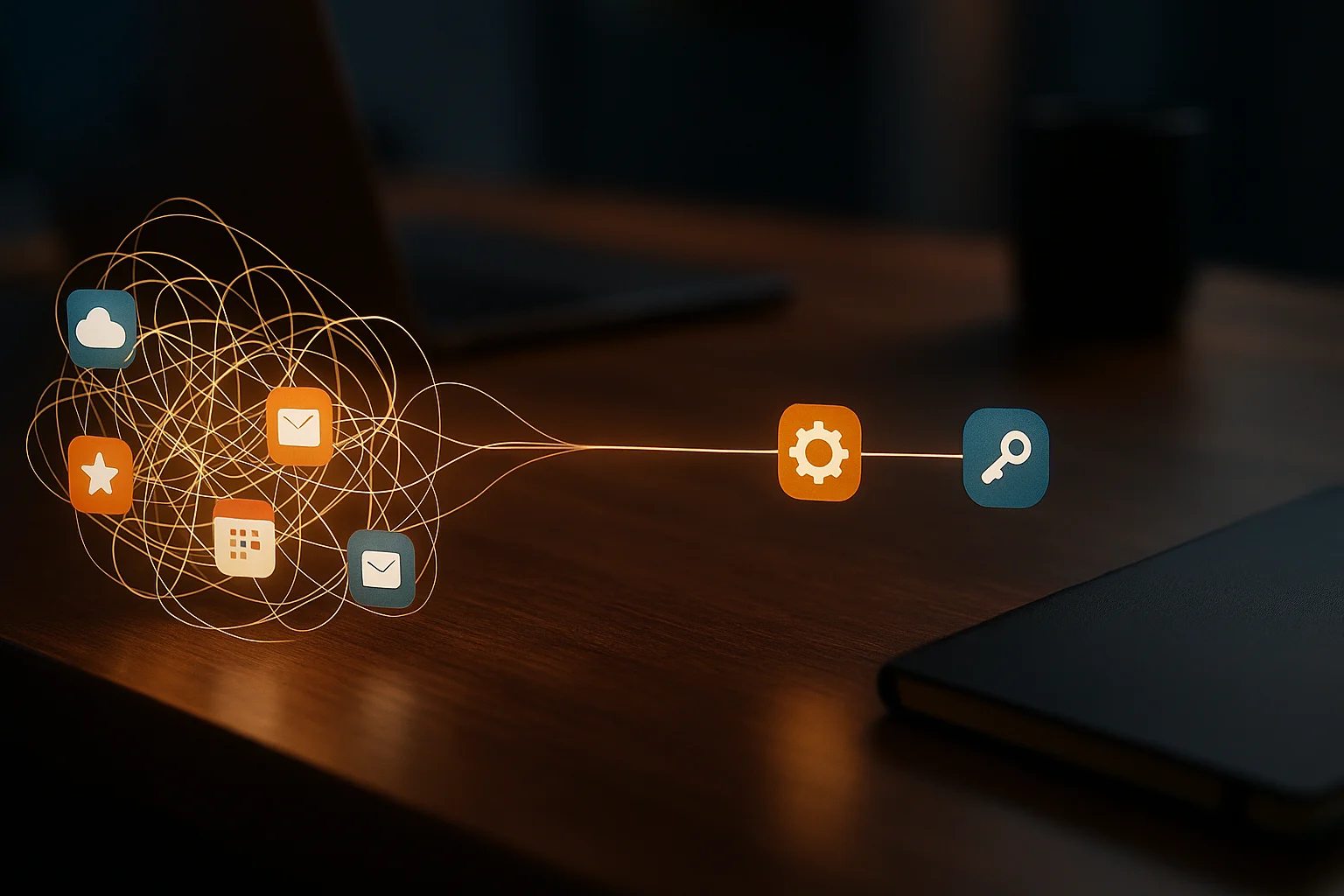
Most businesses don't set out to run disconnected systems. A CRM gets adopted for sales, an accounting tool for invoicing, an inventory system for stock — each one solves its own problem well, but none of them share data automatically.
- Every new customer or order has to be entered once per system.
- Updates made in one place don't reflect anywhere else.
- Staff eventually start skipping "less important" entries to save time, creating gaps.
- Nobody is fully sure which system holds the most current version of a record.
Hidden Costs of Double Data Entry
The time cost is obvious. The accuracy cost is usually bigger.
Wasted Staff Hours
Every minute spent re-entering information that already exists somewhere else is a minute not spent on work that actually moves the business forward.
Data Entry Errors
Typing the same information twice doubles the chance of a typo, and the two systems will quietly disagree with each other from that point on.
Inconsistent Records
When updates only happen in one system, the other one slowly drifts out of date until someone notices the numbers don't match.
Delayed Reporting
Pulling an accurate report means checking both systems and reconciling the differences by hand before anyone can trust the numbers.
How Integration and Automation Solve the Problem
The fix isn't asking staff to be more careful — it's removing the need to enter anything twice in the first place.
System Integrations
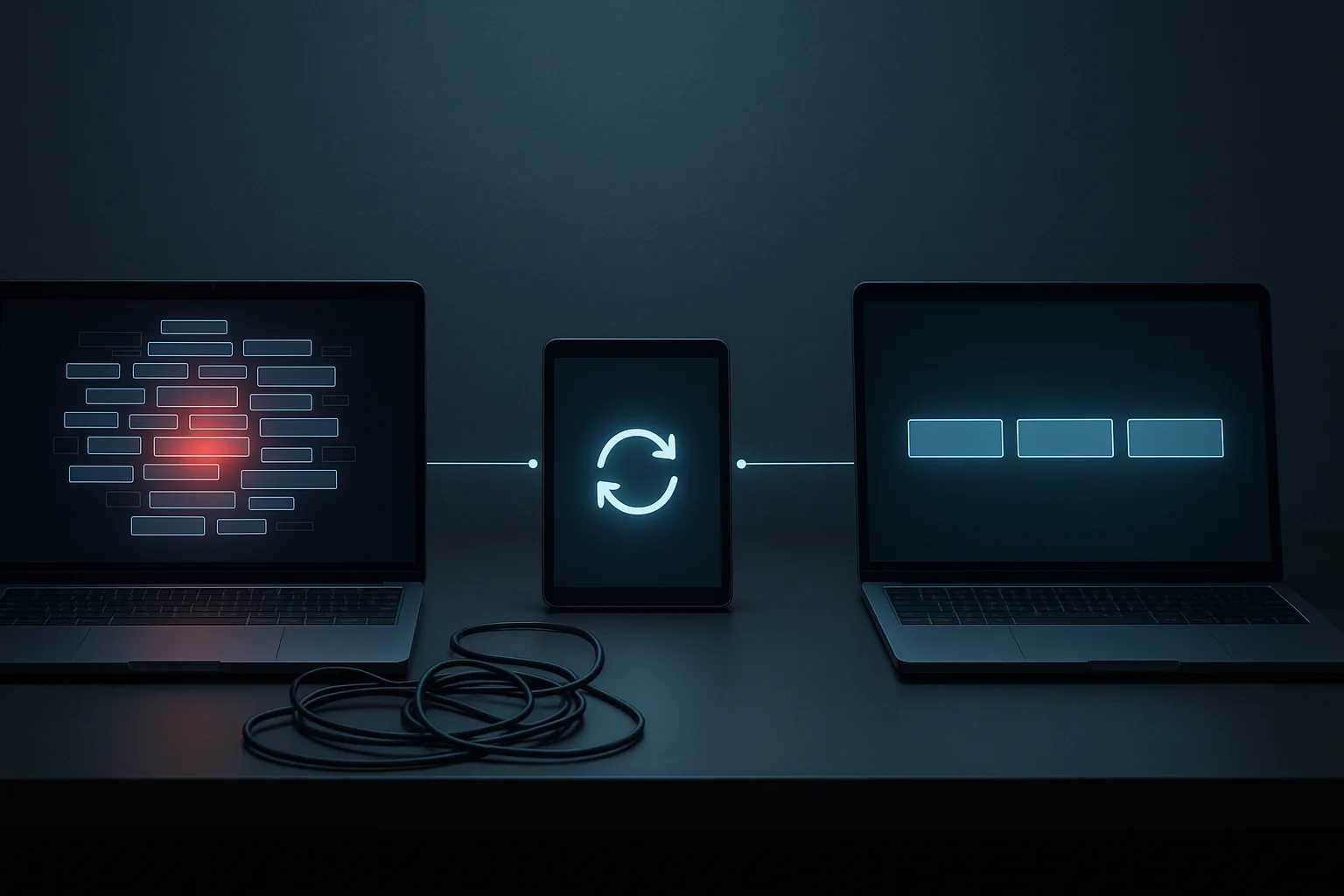
Connecting the tools directly means information entered once flows automatically to everywhere it's needed.
Automated Sync
Scheduled or real-time syncing keeps records aligned without anyone having to remember to update a second system.
API Connections
Most modern software exposes an API specifically so other systems can read and write data directly, without a human in the middle.
Single Source of Truth
Designating one system as the master record, with everything else syncing from it, ends the "which version is correct" question for good.
When Custom Integration Makes More Sense Than Manual Entry
Some tools offer built-in integrations that solve this out of the box. But when the systems involved are more specialized, or the workflow between them is specific to your business, a custom integration — built to move exactly the data you need, exactly where it needs to go — is often more reliable than forcing a generic plugin to do the job.
Best Practices to Eliminate Double Data Entry
- Map out every place the same piece of information currently gets typed more than once.
- Identify which systems already offer native integrations before building something custom.
- Designate one system as the source of truth for each type of record.
- Automate syncing for the highest-volume, highest-error-risk data first.
- Review integrations periodically as you adopt new tools.
How SKYSTACK Solutions Can Help
At SKYSTACK Solutions, we build custom integrations, Laravel applications, and CRM/ERP connections that let your existing tools share data automatically instead of relying on someone typing it twice. Whether it's connecting your CRM to your accounting software or syncing your website with an internal system, we design integrations around your actual workflow, not a generic template.
Conclusion
Double data entry between systems is rarely a training problem — it's an integration gap. Once the right systems are connected, the time your team spent retyping information goes back to the work that actually grows the business, and the data itself becomes something you can trust.