Staff Using Personal Phones for Business WhatsApp? Here's How to Fix It
It usually starts as a convenience — a staff member gives out their personal number because it's faster than setting anything up properly. But staff using personal phones for business WhatsApp creates a real business risk that most owners don't notice until it's already a problem.
Why This Happens So Easily
WhatsApp is where customers already are, and setting up a proper business number and system feels like overhead when a personal chat just works in the moment. The convenience is real — the risk just isn't visible until later.
Hidden Costs and Risks
Customer Relationships Tied to an Individual
If that staff member leaves, the conversation history, and often the relationship itself, leaves with them.
No Business Visibility
Management has no way to see conversation history, response times, or what's actually being promised to customers.
Data Ownership Problems
Customer phone numbers and conversation history live on a personal device, outside any system the business actually controls.
Inconsistent Customer Experience
Different staff members handling WhatsApp differently, with no shared visibility, leads to inconsistent responses and occasionally conflicting information.
How a Proper System Solves the Problem
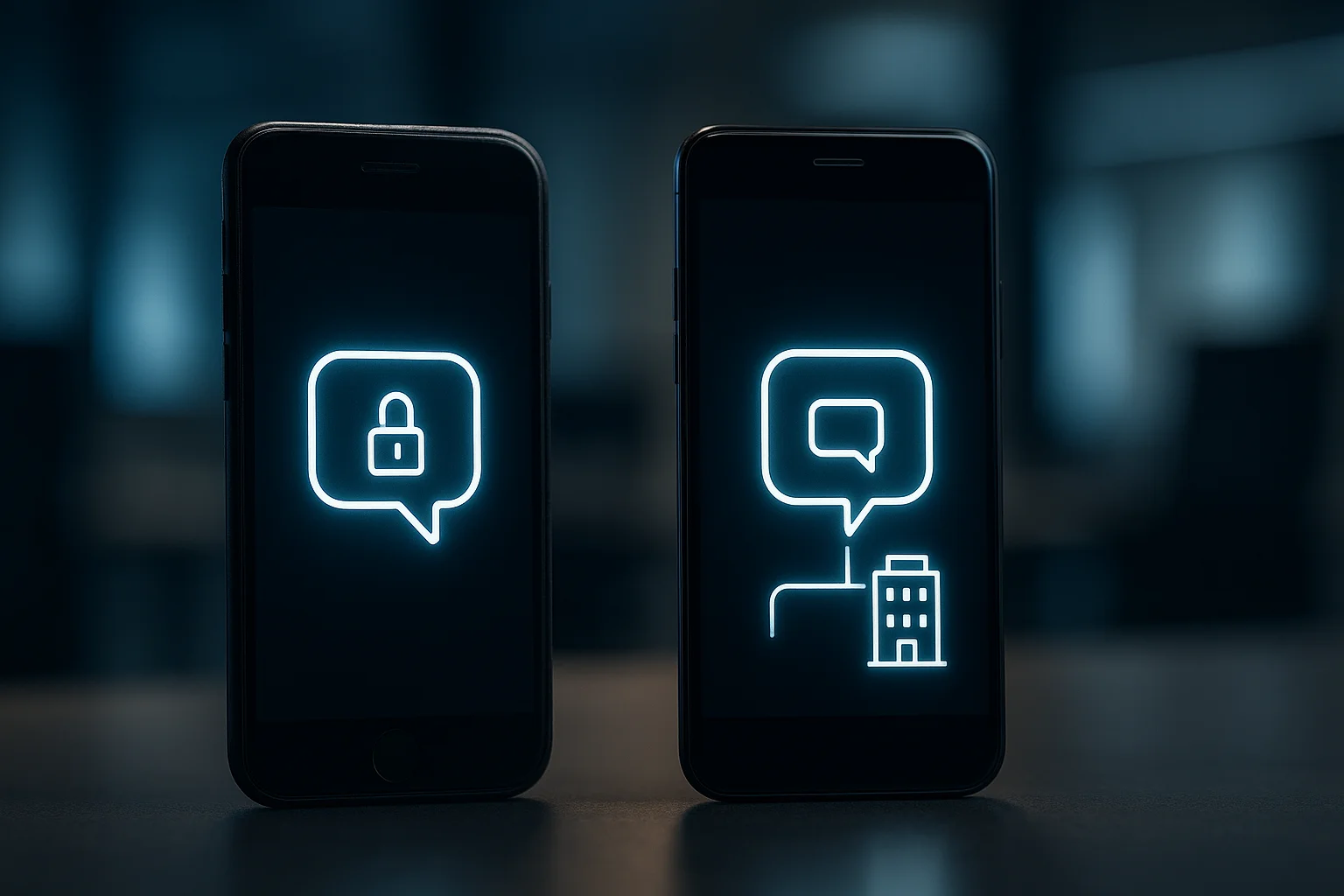
A Dedicated Business WhatsApp Number
Conversations happen on infrastructure the business owns, not an individual's personal device.
Shared Team Visibility
Multiple staff can see and respond to the same business number, with a shared record of what's been said.
CRM Integration
Conversations tied directly to customer records mean context isn't lost when a different staff member picks up the conversation.
What This Actually Involves Setting Up
Moving to WhatsApp's official Business API (rather than the free consumer app) enables shared team access and integration with a CRM — a genuinely different setup than what most small businesses start with informally.
How SKYSTACK Solutions Can Help
At SKYSTACK Solutions, we set up proper WhatsApp Business API integrations connected to your CRM, so customer conversations belong to the business, not to whichever staff member's personal phone happens to be handling them.
Conclusion
Staff using personal phones for business WhatsApp is a risk that's easy to overlook because it works fine day to day — until a staff member leaves and takes the relationship, and the data, with them. Moving to a proper business setup closes that gap before it costs you something real.