Client Portal vs Shared Google Drive Folder for Client Files: Which Is Right for Your Business?
A shared Google Drive folder is how almost every agency or consultant starts sharing files with clients — it's free, familiar, and takes two minutes to set up. The client portal vs shared Google Drive folder question comes up once that simple setup starts creating real friction for both you and your clients.
What a Shared Drive Folder Does Well
For a small number of clients and straightforward file sharing, a Drive folder genuinely works — no cost, no setup, and clients are usually already familiar with how it works.
Where a Shared Drive Folder Starts to Break Down
- Folder structures get messy fast once multiple clients and projects are involved.
- No real way to track project status, only files.
- Permission management becomes error-prone as more clients and files accumulate.
- No branded, professional experience — it just looks like a generic Drive folder.
- No built-in communication tied to specific files or deliverables.
What a Client Portal Gives You
A Branded, Professional Experience
Clients log into something that looks and feels like your business, not a generic file-sharing tool.
Project Status, Not Just Files
Clients can see where things actually stand, not just what's been uploaded.
Reliable Permissions
Each client sees only their own project, structured deliberately rather than managed folder by folder.
Communication Tied to Context
Comments and updates attached directly to specific deliverables, instead of a separate email thread disconnected from the files themselves.
When a Drive Folder Is Still Fine
For a handful of clients and simple file exchanges, a Drive folder remains a reasonable, low-effort choice — there's no need to build something more complex than the actual need.
When a Client Portal Makes More Sense
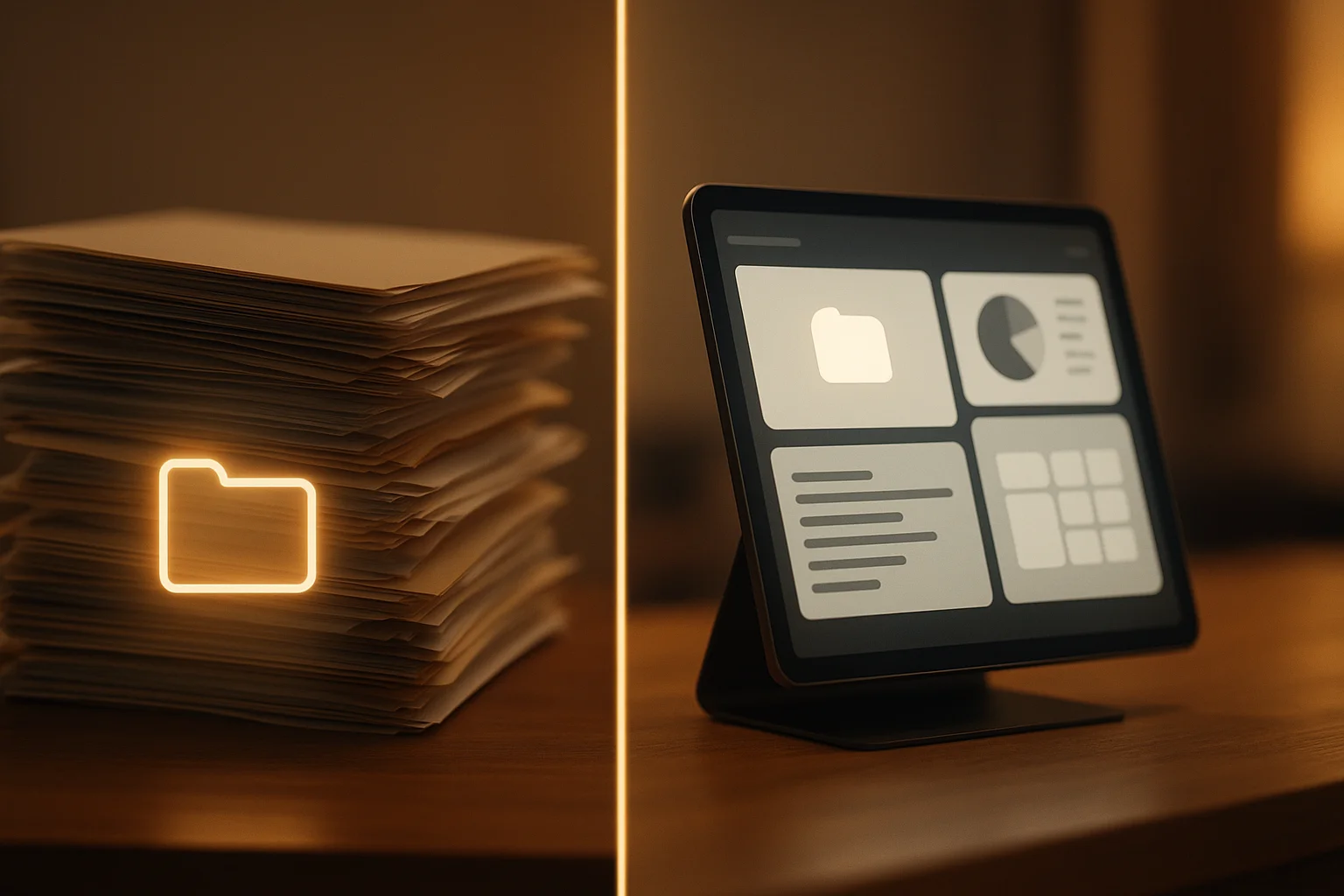
Once you're managing enough clients that folder structures get unwieldy, or clients expect a more professional, organized experience, a proper client portal starts paying for itself in both efficiency and how the business is perceived.
How SKYSTACK Solutions Can Help
At SKYSTACK Solutions, we build custom client portals for agencies and consultants who've outgrown shared folders, with project visibility, file organization, and communication built around your actual client workflow.
Conclusion
A shared Drive folder is a perfectly reasonable starting point, not a permanent solution. The client portal vs shared Google Drive folder decision usually comes down to how much your client list has grown since you first set that folder up.